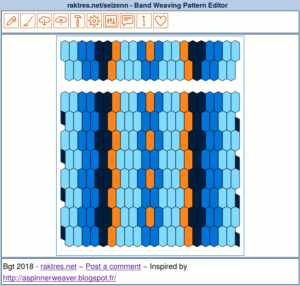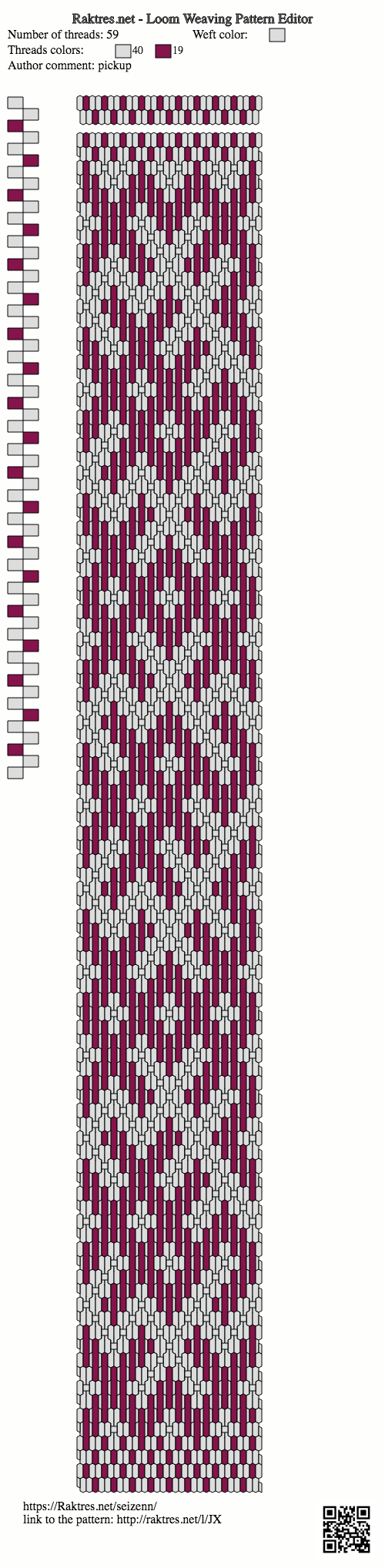
Hi
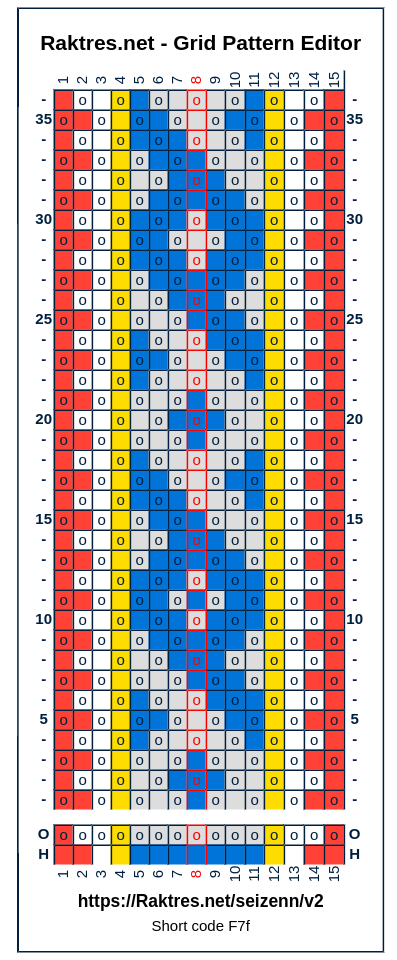
To help users get to grips with the new version of Seizenn, I started a series of videos.
They are intended to present the main functions of the tool, to show ways of using it.
The first presents the general interface of the tool as well as the principles of editing a band. https://youtu.be/-Nr8dm-IPSI 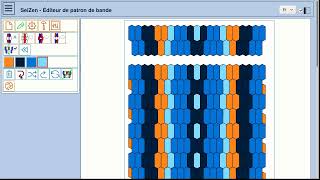 The second shows the use of the grid band editor. https://youtu.be/iUCrduK4Aco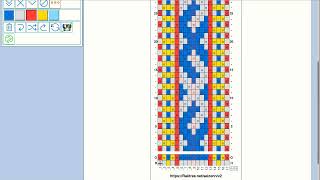
If you need a specific explanation or clarification, I encourage you to leave a comment.
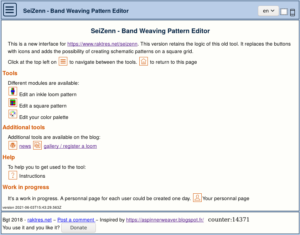

 I also tried to extends the instruction page (instruction are not translated into spanish for the moment), mainly to allow users to do the link between the icon buttons and the functions.